Never Wonder What to Train Again
It answers the real question: what should I train today?



Also on Google PlayAlso on iPhone
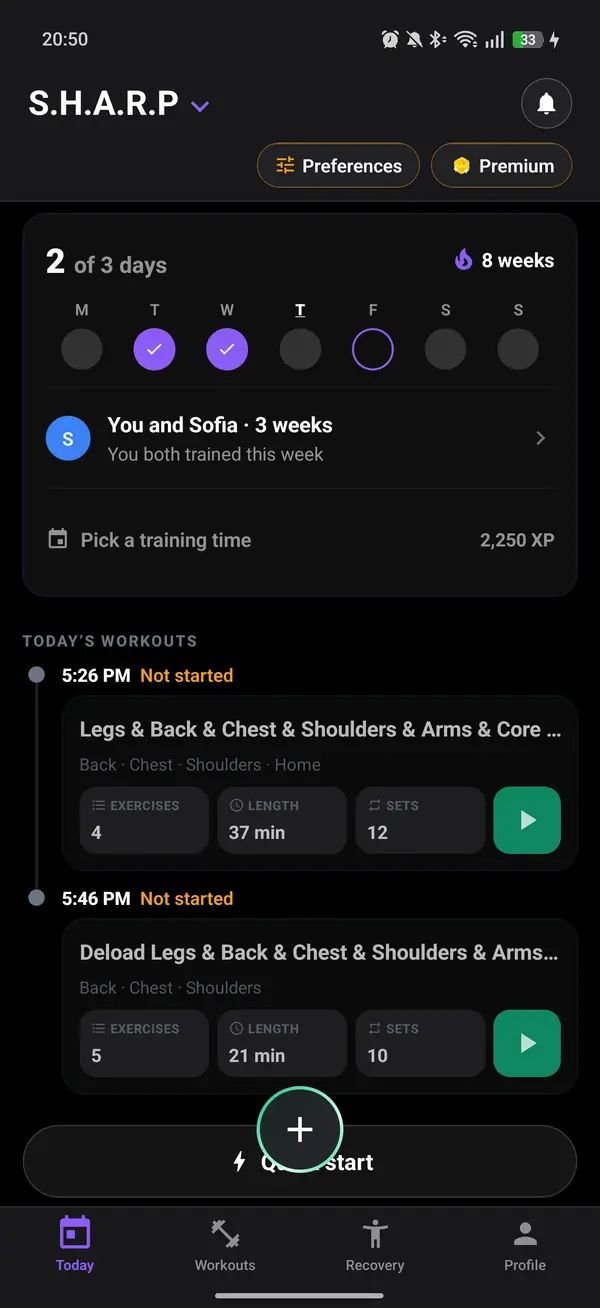
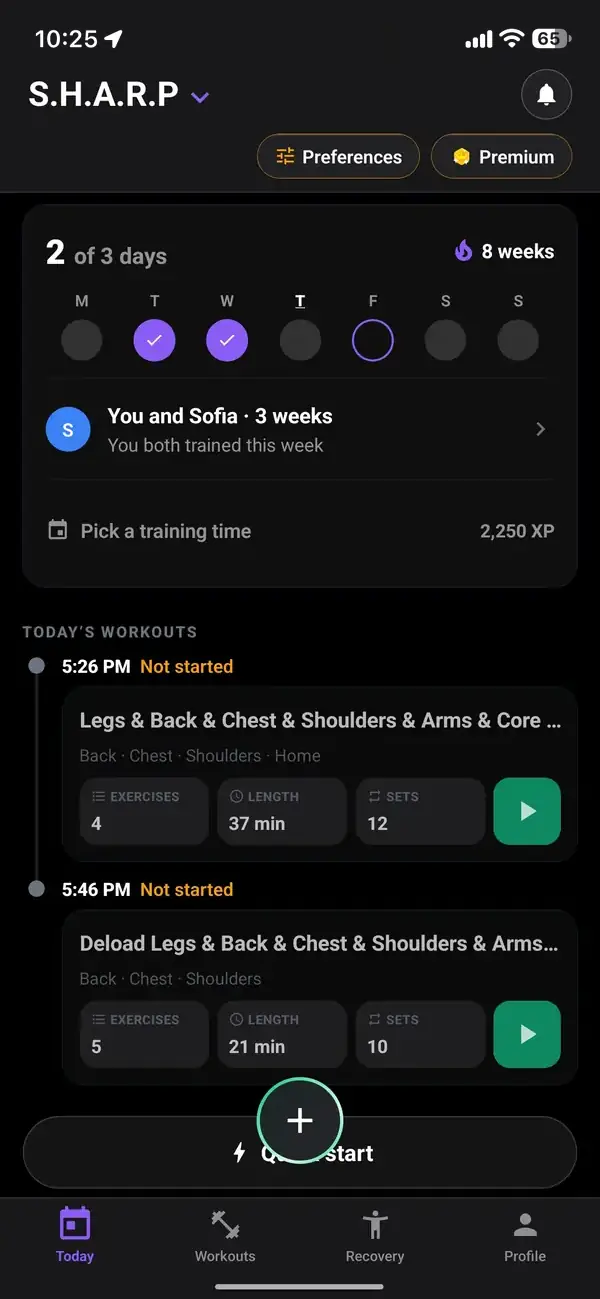
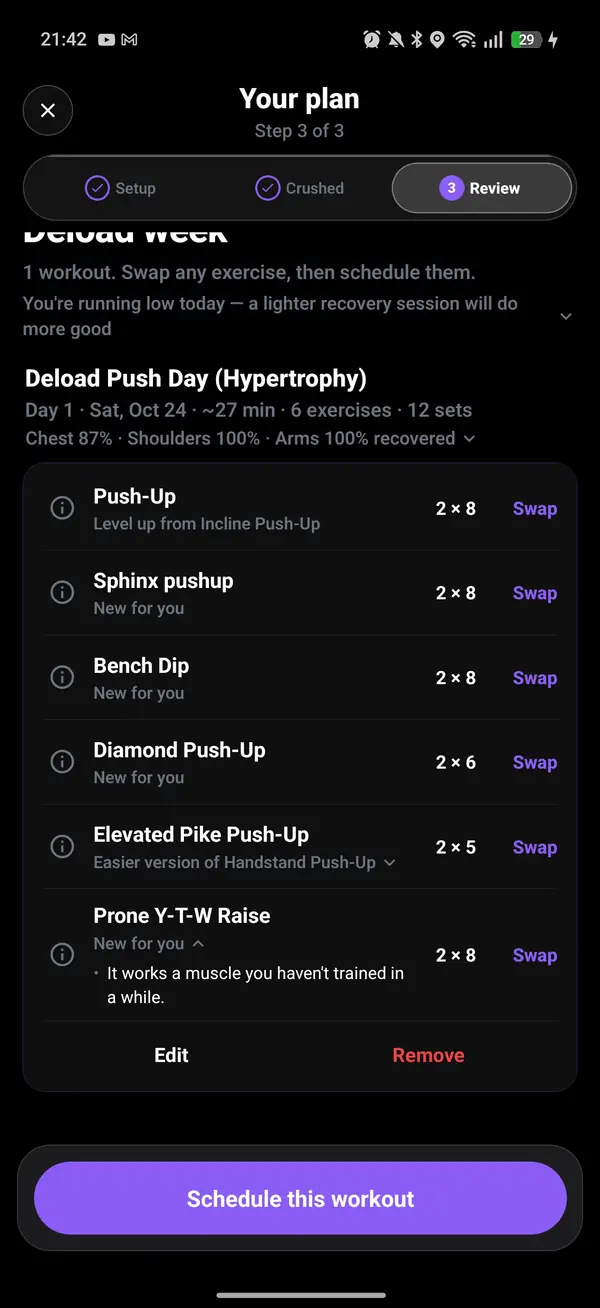
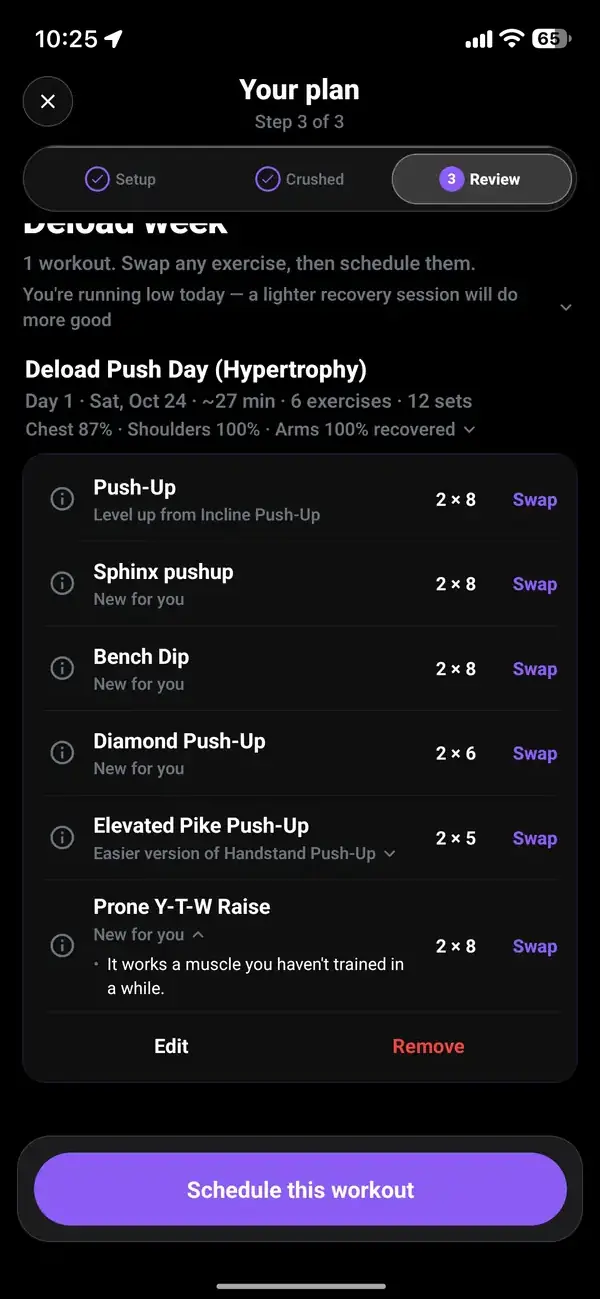
How S.H.A.R.P builds a session
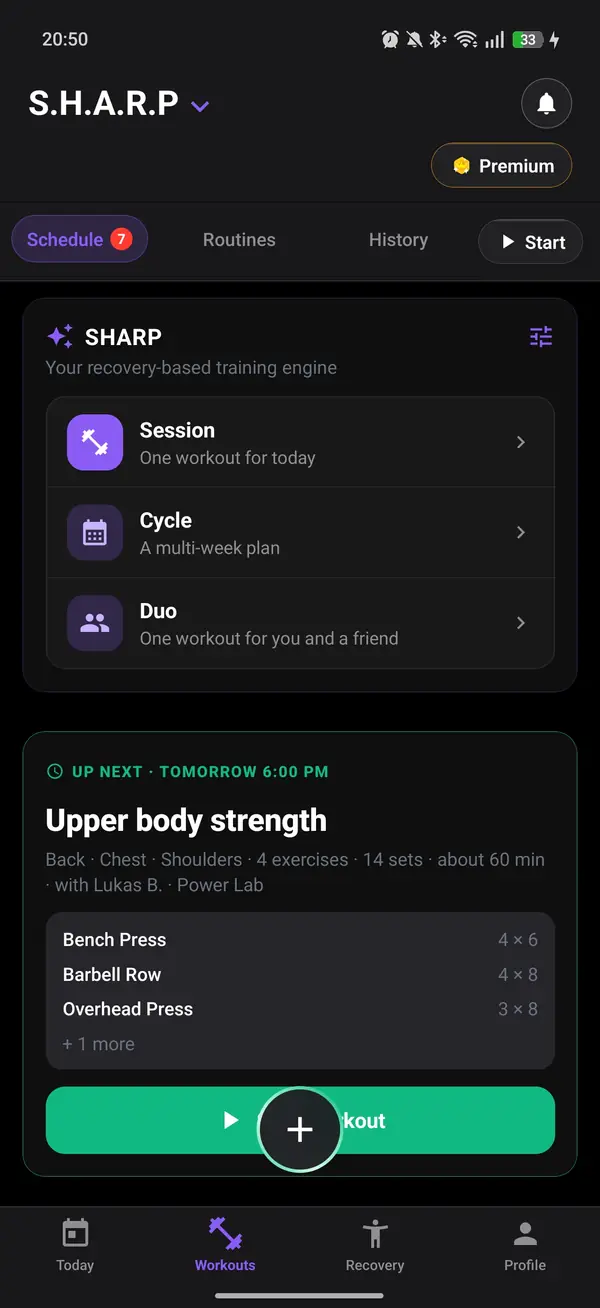
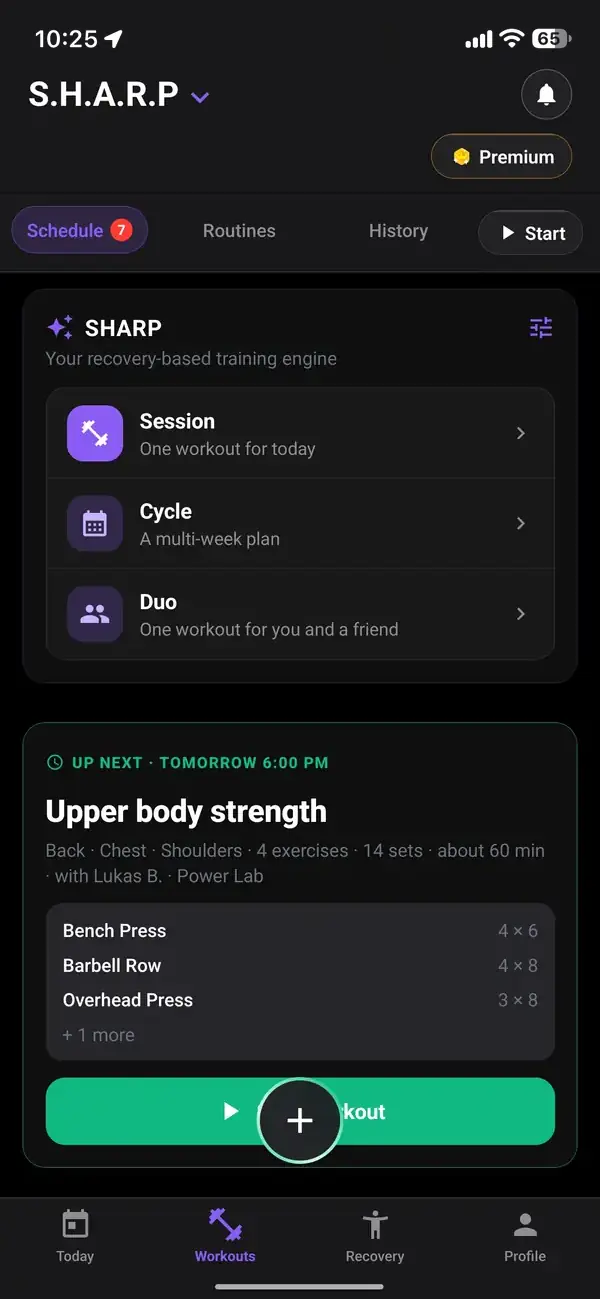
Pick a session, a cycle or a duo
One workout for today, a multi-week plan, or one session for you and a friend.
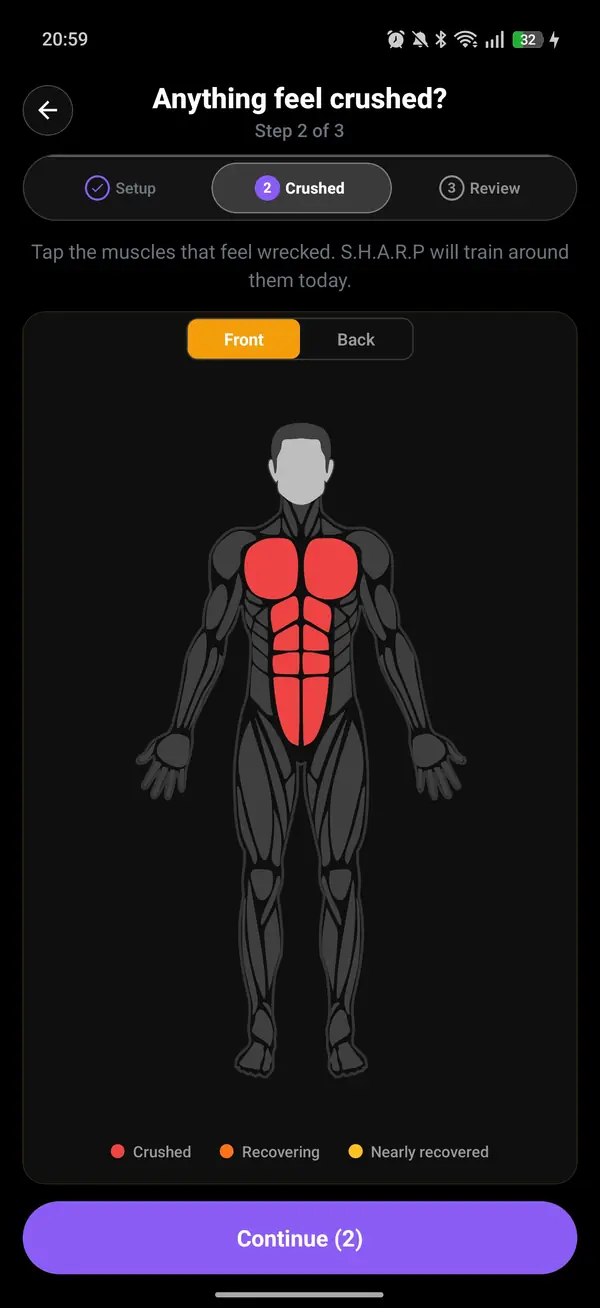
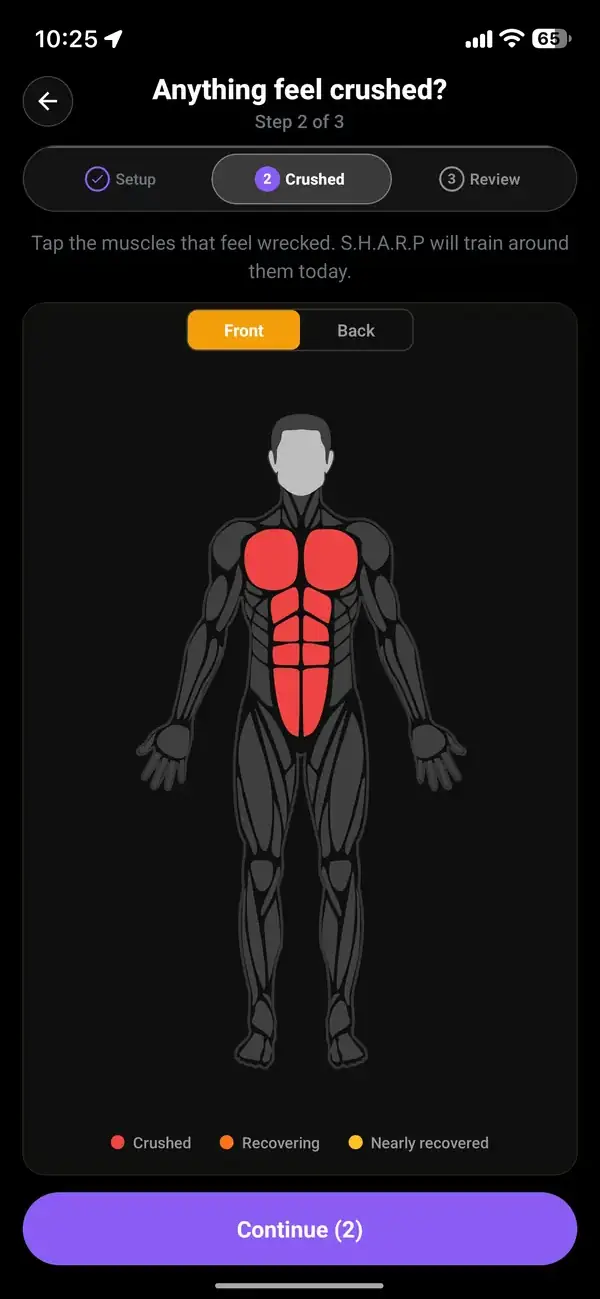
Say what feels wrecked
Tap anything that still feels crushed. The plan works around it.
Review, swap, schedule
Swap any exercise, adjust sets and weights, then start now or schedule it.
Planning it yourself? Four rules that hold
Keep exploring Workout With Me
How the app answers what to train today
Plan my workout is what people type when they want something else to decide today's session for them. Workout With Me answers it from your recovery: it looks at what you've trained lately and builds today around the muscles that are ready.
Say you played football on Sunday and your legs are still heavy on Tuesday, but the program you downloaded says Tuesday is squats. The program can't see the match, so you either grind through squats on tired legs or skip the day and feel behind. Neither is a good outcome, and both happen because the plan was written before the week started. The question worth asking at the gym door isn't what the schedule says, it's what your body can train well right now.
That's the question the daily suggestion in Workout With Me answers. It reads the recovery body map built from the sessions you've logged, leaves out any muscle under 80% recovered, and fills the session with the ones that are ready. For training the app never saw, like that match, a class or a session logged somewhere else, you tap the sore muscles on the body map and mark them as crushed, and the engine plans around them as if it had tracked them. The session you get on a Tuesday depends on what you did on the days before it, not on it being Tuesday.
If you'd like that call made for you each day, S.H.A.R.P, the app's research-based engine, can be tried before you pay, and WWM Pro from $7.99 a month gives you unlimited suggestions. Some days you'll follow it exactly and some days you'll train with a friend instead, and the body map keeps up either way, because it works from what you log. The recovery body map, workout logging and finding people to train with are free for good, on iPhone and Android.