
Find Gym Partners Near You
Social is free forever. Strength-matched lifters at your gym, one tap to join.



Also on Google PlayAlso on iPhone
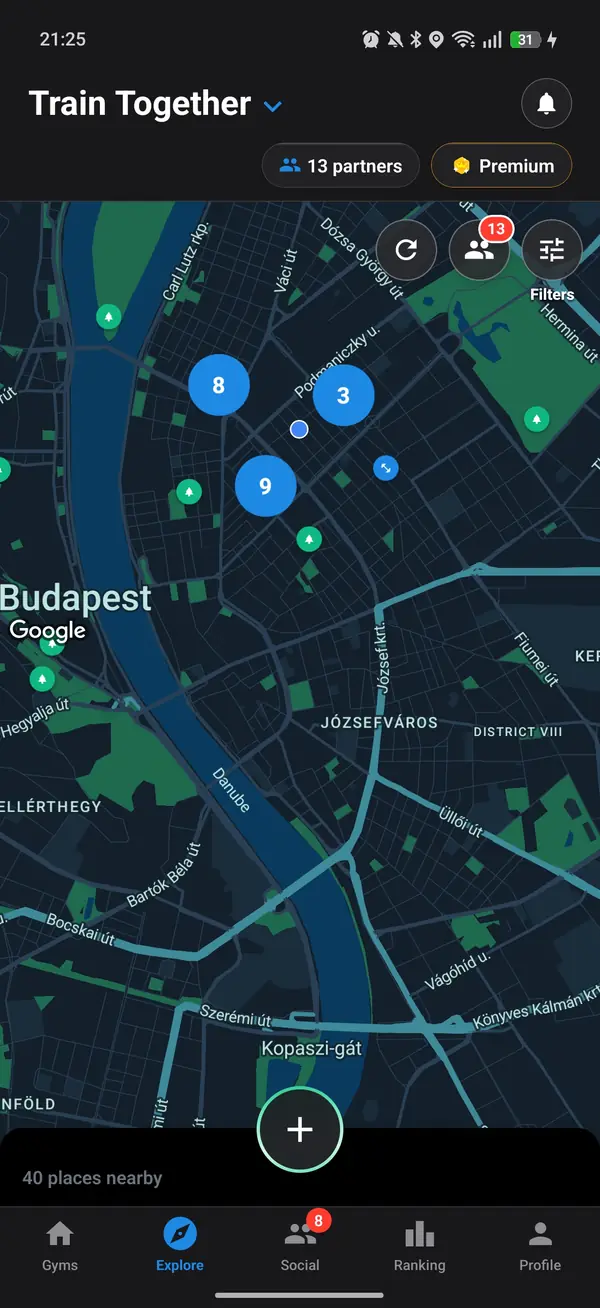
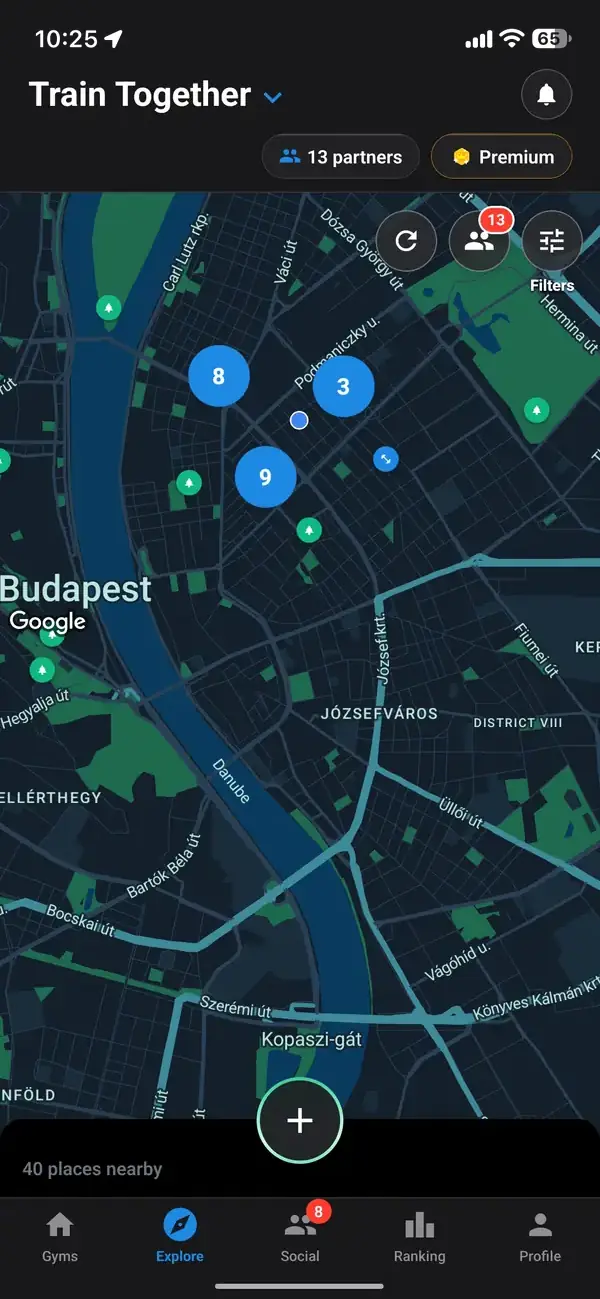
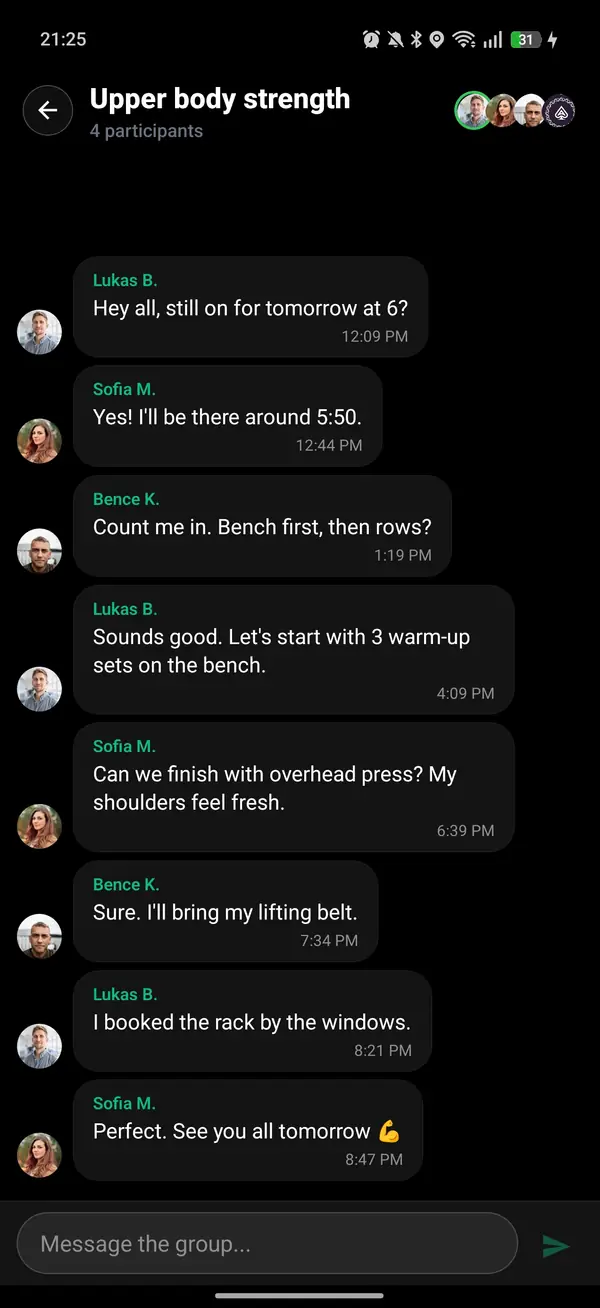
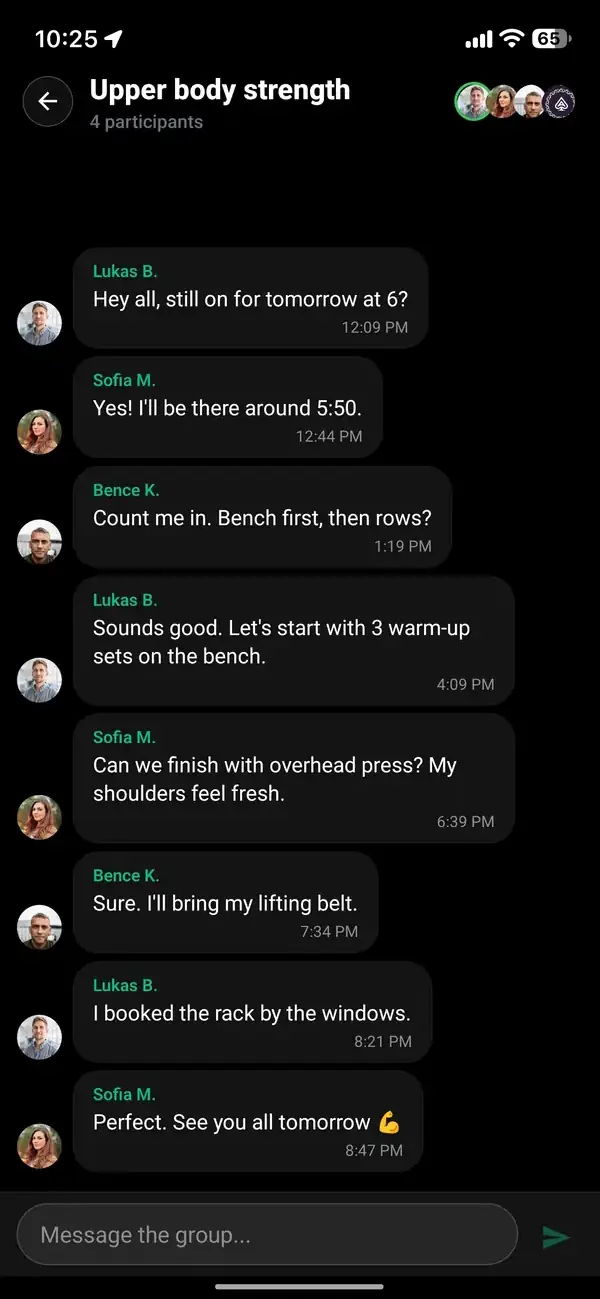
Train with your friends, then meet theirs
Set a workout to Friends and only the people you have added can join. FitFeed shows their sessions and PRs next to what is happening nearby, so the next workout is never hard to find.
- 1Add the people you train with from their profile, so they land in your friends list.
- 2Post a Friends workout at your gym and pick the time, and only your friends can ask to join.
- 3Open the next one up. Set it to Everyone when you want people nearby to find it too.
Growing a training circle that keeps going
A few friends who train is a start. Here is how to make it a circle that runs itself.
- Start with one regular session. A fixed weekly workout gives everyone something to plan around.
- Make it a crew. A recurring crew at your gym means people can join without you posting every week.
- Let the feed do the nudging. Friends see your sessions and PRs on FitFeed, and that is often all the reminder they need.
- Add someone new now and then. Open a session to Everyone every so often, so the circle grows as people move on.
- Keep plans in the workout chat. Times, changes and running-late messages stay with the session, so nobody has to dig for them.
Gym partner, workout buddy or training crew
Whatever you call it, it's someone to train with. Here's how it works at the gym, at the park and away from home.
How a gym partner shares your session
A gym partner follows the same session as you, taking turns on the same equipment and spotting each other's heavy sets. Say tonight's plan is five sets of five on the bench: one of you presses while the other stands behind the bench, then you swap, so their set fills your rest. On the last heavy set they give you a clean lift-off and keep their hands close to the bar, and that's often the difference between going for the fifth rep and racking it at three.
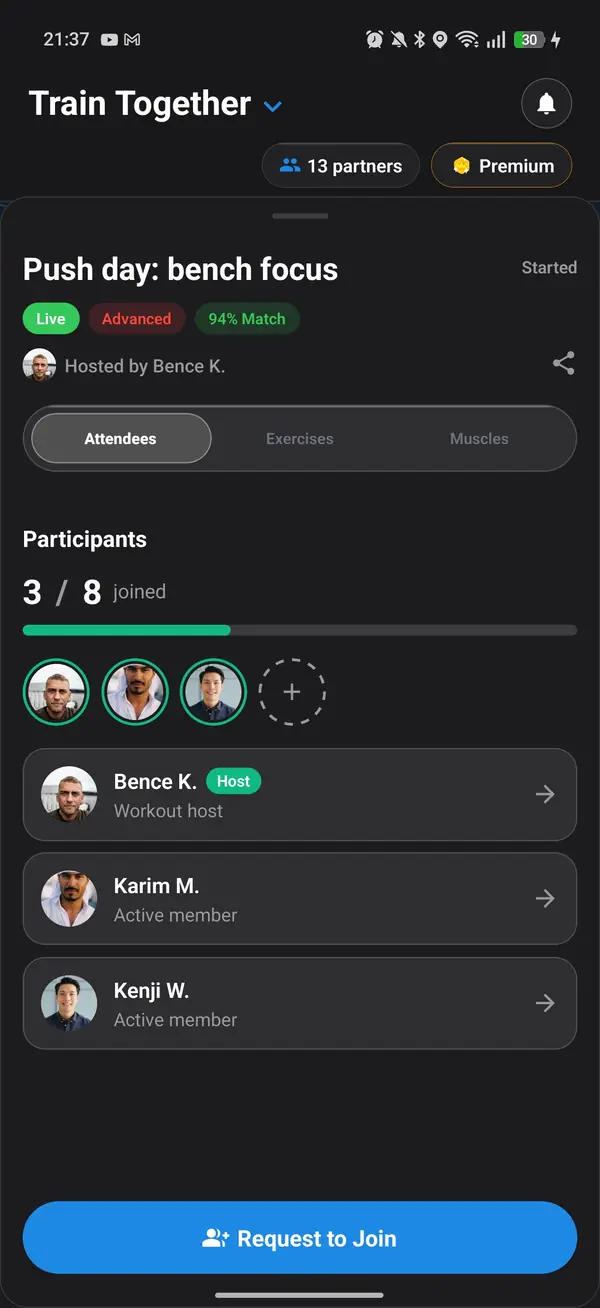
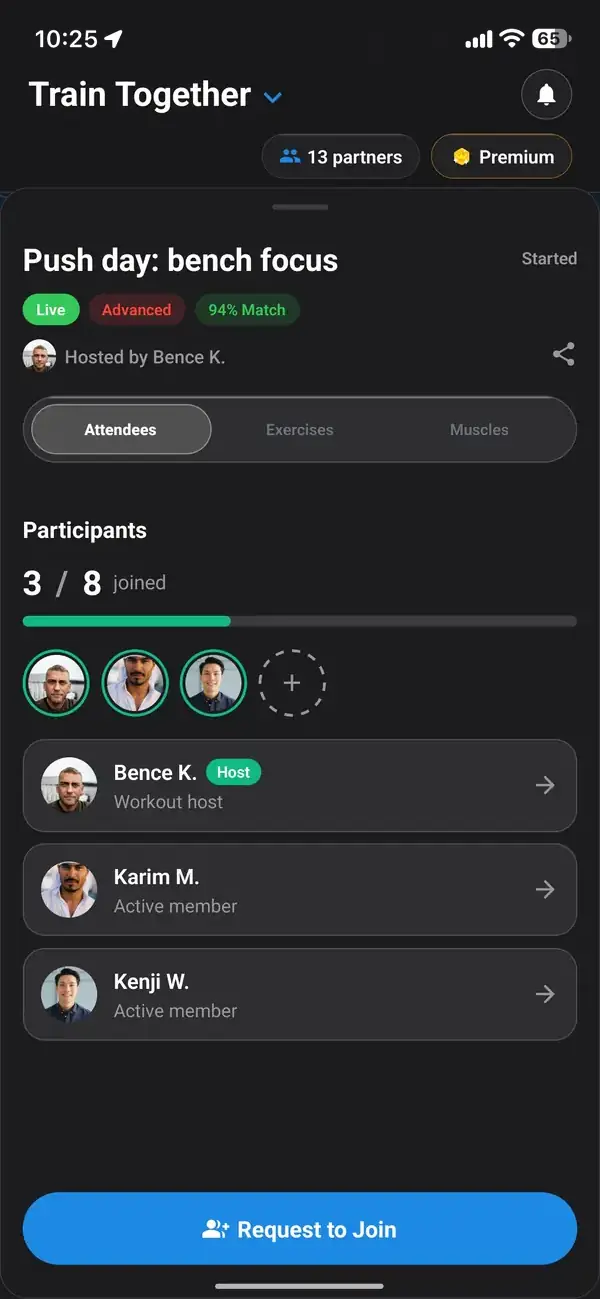
Agree the spotting before the first heavy set: how many reps you're going for, when the spotter takes the bar, and one word that means take it now. It also helps to be on the same plan, because if one of you is doing legs and the other chest, you're two people training near each other rather than a pair. When you host a workout in Workout With Me you write in the exercises, sets and reps, so whoever joins turns up knowing the plan.
How to meet people at your gym
Most gyms have regulars who've nodded at each other for months without ever speaking. Wait until someone has racked the weight and looked up, then ask something you need answering: whether they're using the bench, or if they'd give you a spot on your last set. Asking for a spot is the best opener there is, because it's quick, it's useful and it gives you both something to talk about afterwards.
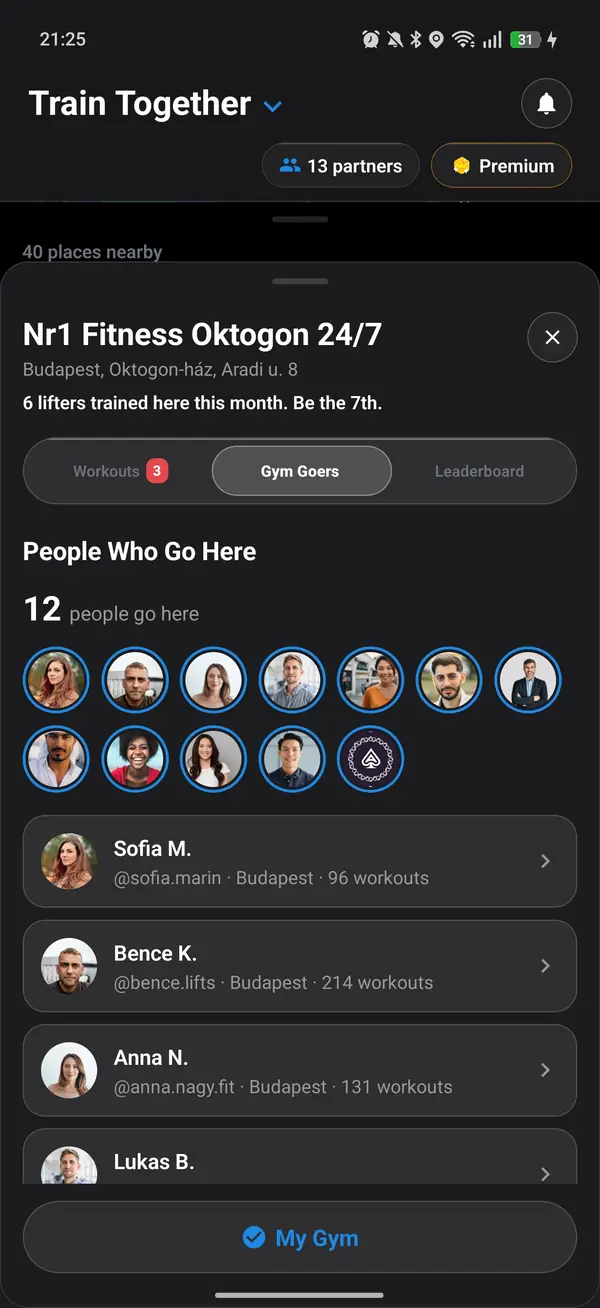
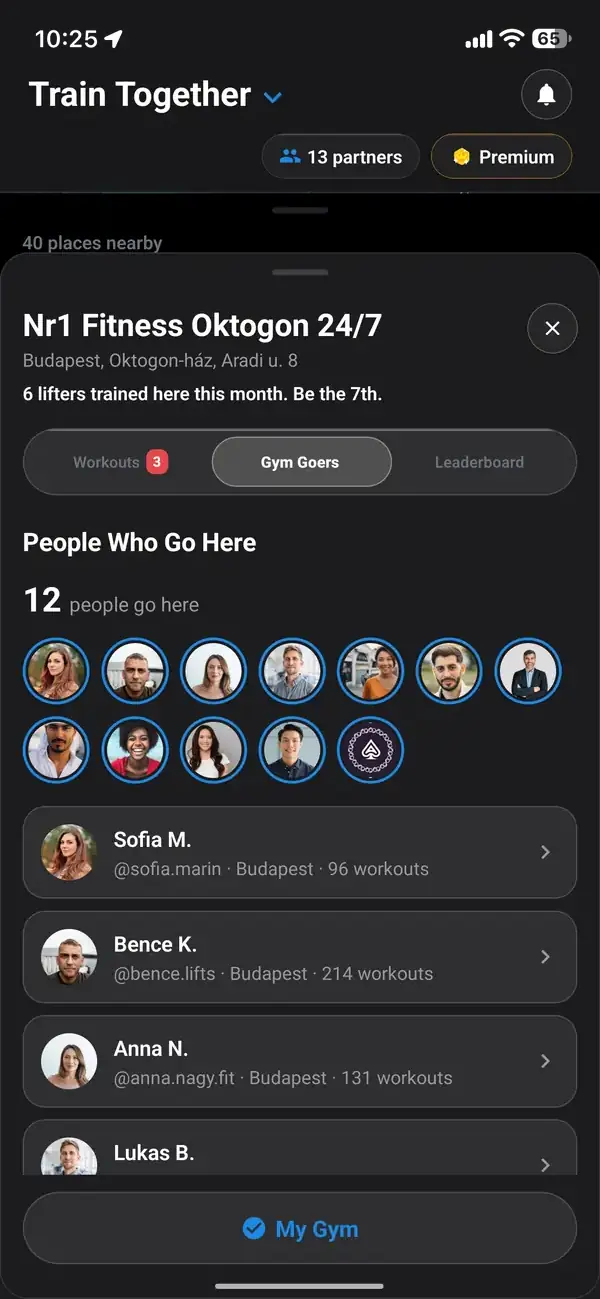
If walking up to someone isn't for you, tap your gym on the map to see the workouts planned there and the people who go there, then ask to join a session and arrive as someone who's expected. It's for finding people to train with, not a dating app, and if someone makes you uncomfortable a block removes you from each other's view.
Calisthenics partners at the park
The map covers parks as well as gyms, so you can find a session at the bars near you and see the exercises the host has planned before you ask to join. At the bars, overlap matters more than level: two people building pull-up strength can share one bar and rest while the other works, and someone learning a handstand needs a partner who can steady their legs against a wall.
A partner standing a few metres away also sees what you can't, like whether your muscle-up pull dies at your chest or your hips swing too early, and can film the next try so you both watch it back while you rest. Popular bars fill up on warm evenings, so filter the map to parks and pick a quieter spot or an earlier hour.
Finding a training partner when you travel
The map isn't tied to your home town. In a new city it shows whatever sessions people have posted at gyms and parks nearby, so you can ask into one or post your own near the hotel. A local partner answers in one session what would otherwise take an evening of research: which gyms sell day passes, which park the calisthenics crowd uses, and when it's quiet.
Before you go, check whether the gym sells day or week passes, what ID it wants at the door, and whether the plates are in kilos or pounds. Keep the first session to lifts you know well at the weight you'd use on a tired day, and meet somewhere public and staffed. Your log and PRs travel with your account, so the trip still shows up in your training history.
How a live map shows who's training near you
A social gym app shows you real workouts happening around you, at gyms and parks, so you can request a place in one or put your own session on the map. It puts the training log you'd keep anyway together with a way to find people to share the sessions with.
It's ten past six, you've left work, and your usual gym is ten minutes away. On most fitness apps that's the start of another solo session. On a map of live and scheduled workouts you might see one already under way at your gym, another booked for Thursday at the park near your flat, and a third at a gym you've never tried, each showing what's being trained and when. In the time it takes to reach the bus stop you can ask to join one, or decide tonight's a solo night after all.
The map is only as useful as the workouts on it, and that depends on where you live. A busy city centre may show several sessions on a weeknight while a smaller town shows none, and that's the moment to host one yourself, because a workout you post at your gym is how the next person nearby finds a partner. Tapping a gym shows more than its sessions, too: there's a list of people who train there and a gym leaderboard, which is a gentler way to spot a regular than walking up to the rack.
Much of what makes social fitness stick is the fixed time: a gym partner waiting at an agreed hour, or a fitness challenge streak you'd have to reset, gives a skipped session a cost you notice before you skip it.
That map is the heart of Workout With Me, with gym and park filters and a strength match on each workout, so you know how close the host's numbers are to yours before you ask. Every part of it is free on iPhone and Android, from hosting to Whispers and the chat inside each workout. WWM Pro, from $7.99 a month, is the separate paid tier for S.H.A.R.P training plans.